Campus Photography

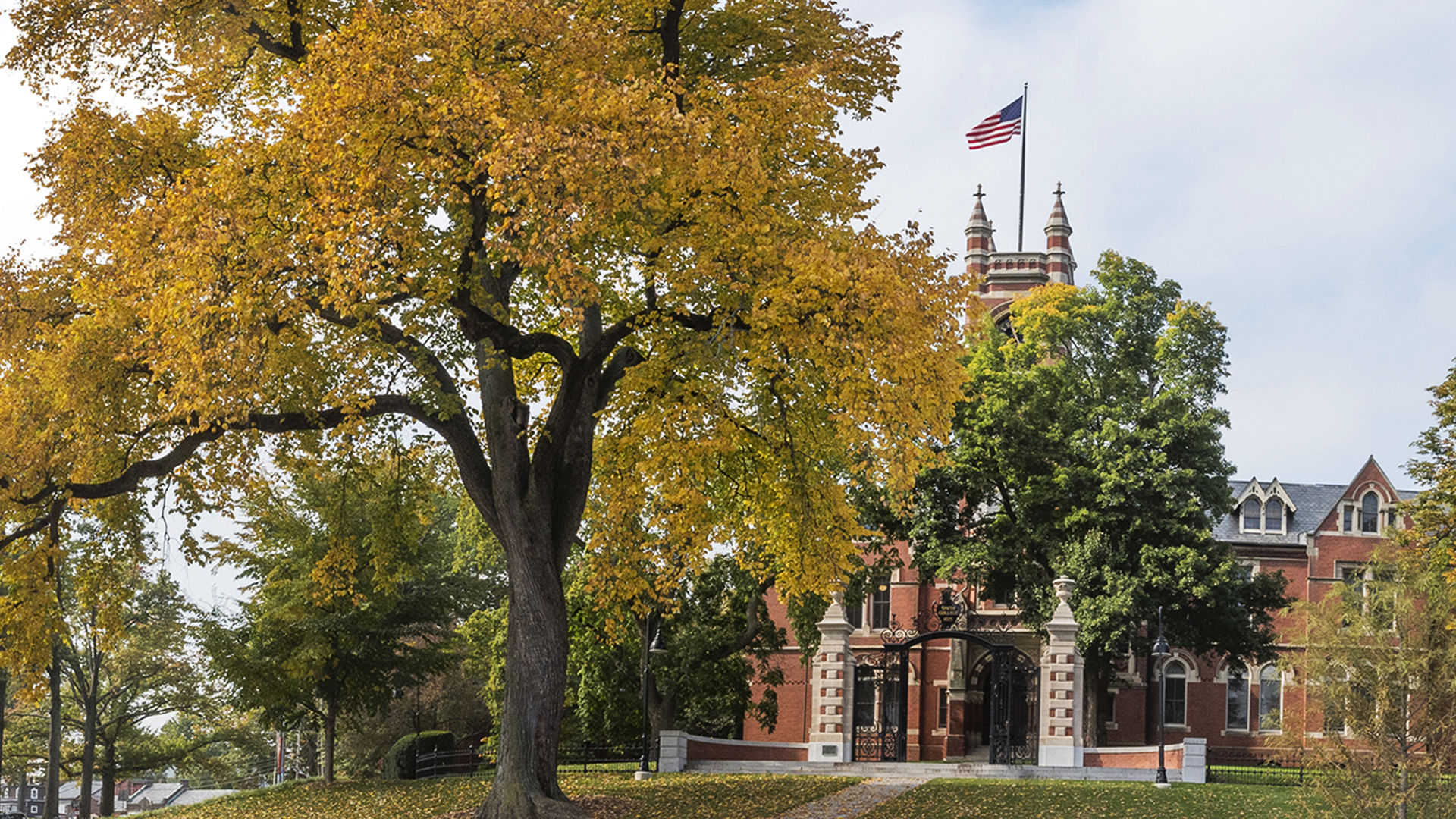
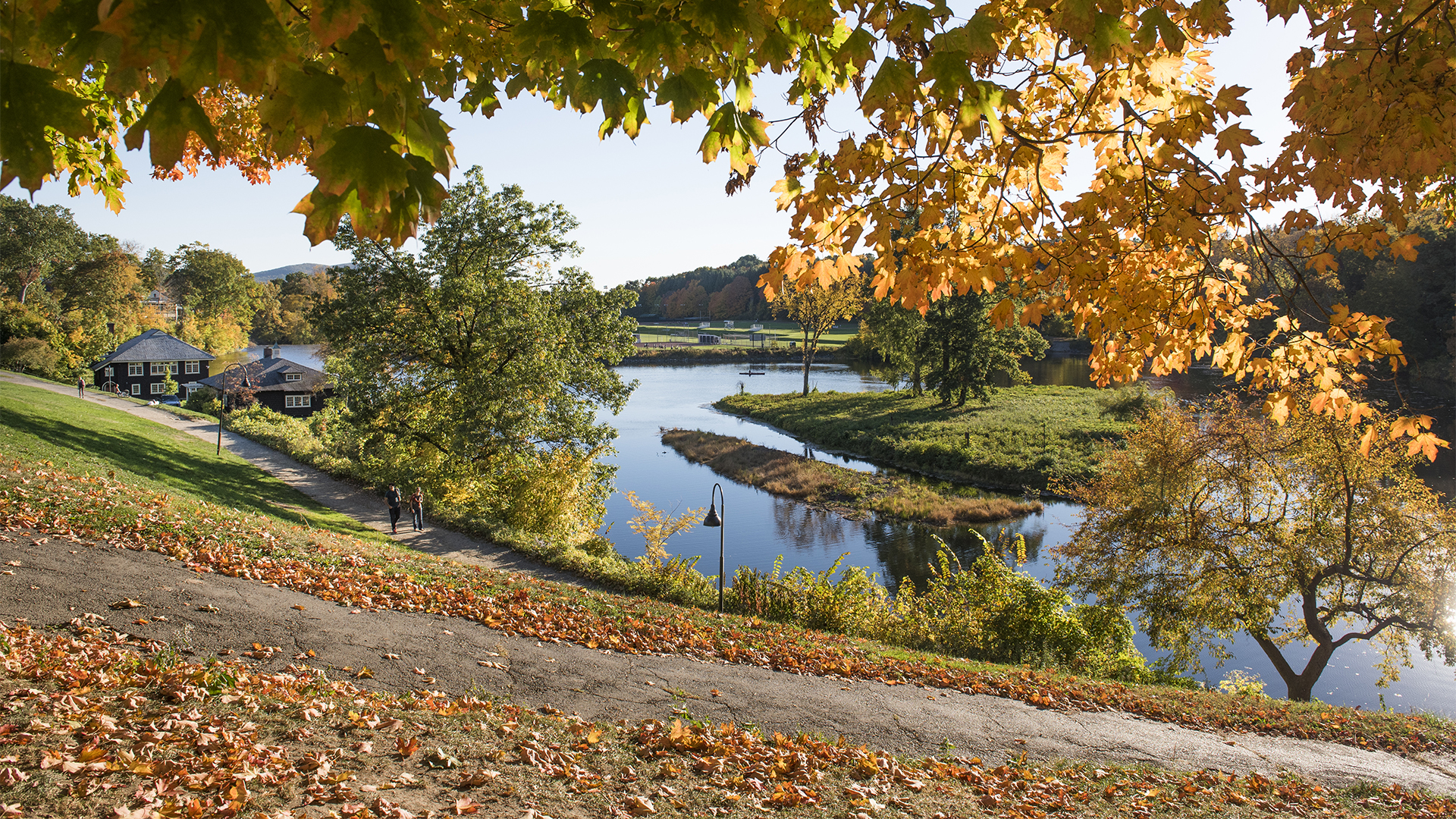
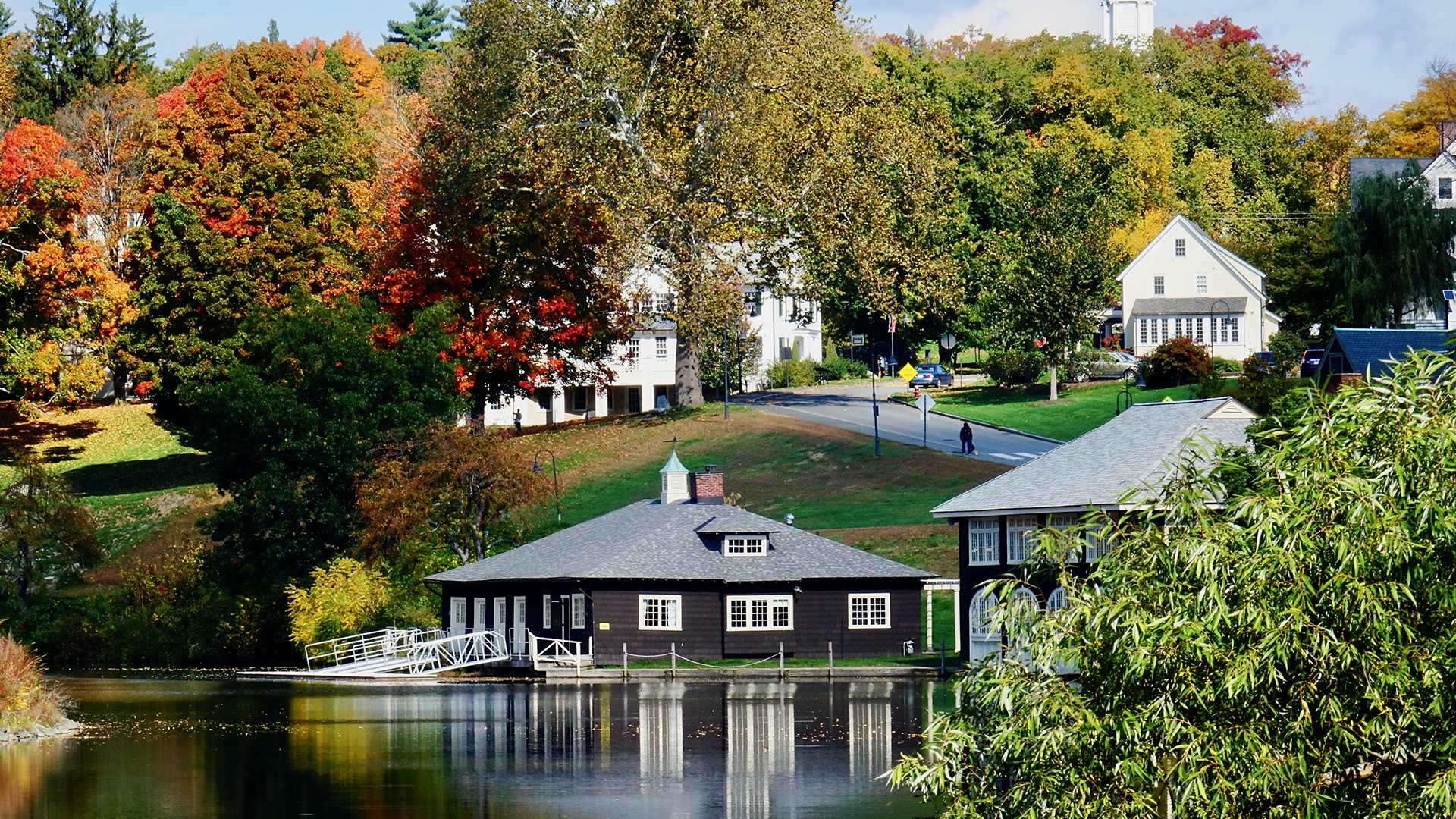
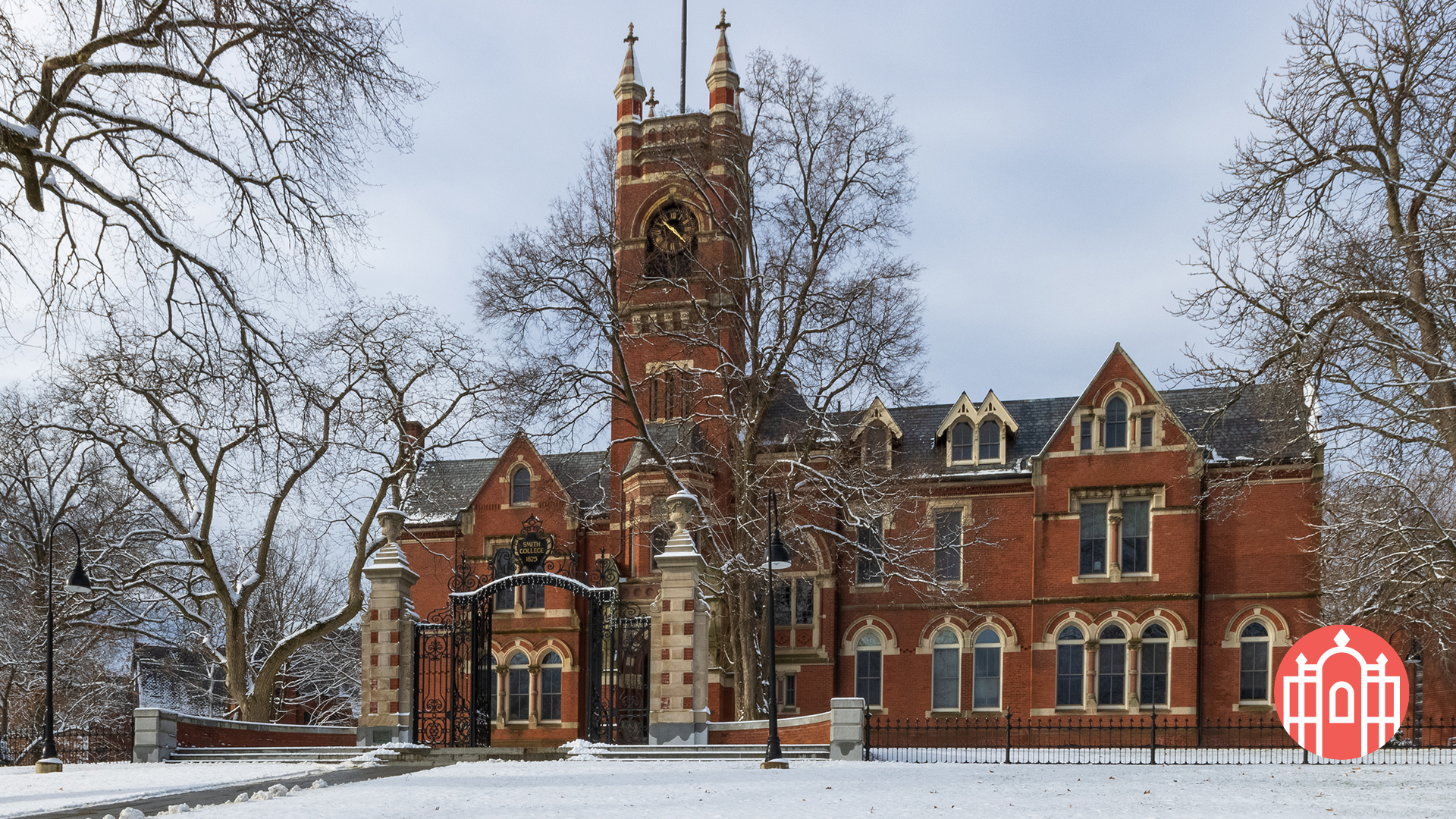
Smith College allows a variety of styles in its photography, but the photos need a certain feel—warm, authentic and natural. This is best achieved by photographing students as they are in the places they live, work and study. Photos that show true personality, whether serious or carefree, are preferred. Always look for authentic expressions of joy.

Guidelines & Usage

These guidelines ensure that all photography used on the college’s official website maintains a high standard of quality, consistency, and professional representation and attribution.

The college maintains a small library of images for public access. These images have rights clearance and are available for use.

In addition, a larger private archive is available for Smith College use. Offices and departments should contact photo@smith.edu to request access to that archive.

For more details on campus photography, the preferred styles, and what to avoid, check out the brand guidelines.

Content & Style

Photos on smith.edu should be professional, high quality images that align with brand guidelines. Communications & Marketing reserves the right to edit, crop, or omit submitted photos as they see fit.

Photos may not:

  • Contain signage or other written material making political statements or endorsements.
  • Contain signage or other written material with sensitive, offensive, or inappropriate language, including but not limited to profanity, private or confidential information, and obscenity.
  • Violate in any way the content guidelines set forth in the Website and Content Management User Policy.

Photos will ideally:

  • Be well-lit, in focus, and well-composed.
  • Be quickly recognizable as having been taken on Smith’s campus, whether in a house, in an academic building, or outside near some sort of campus landmark.
  • Not feature empty rooms or hallways—whenever possible, people should be shown interacting with physical spaces.

Specifications

Photos should be as high-resolution as possible when sent to the web team for posting—our minimum acceptable upload width is 1600 pixels.

Dimensions

The college’s content management system automatically resizes photos to fit dimensions of various components available on the website—typically, there is no need to submit photos with specific dimensions.

Communications & Marketing will occasionally crop or resize images to best fit component dimensions, and may ask that you choose another photo if the one submitted isn’t adaptable.

Legal Use

Only use images that the college owns the copyright to (those taken by the college’s official photographer), those taken by a photographer the college hired for a specific event, or those for which the college has explicit, documented permission for web usage.

If you’re unsure whether we have permission to use a photo, it will not be posted to the website until written permission can be obtained.

All photography in Smith College materials must follow privacy, copyright, and consent policies. Avoid images that imply endorsement or misrepresentation. Photos must align with Smith’s standards for inclusivity, professionalism, and appropriate content. For inquiries regarding permissible image use, contact publications@smith.edu.

Photography Services

Communications and Marketing photographs activities that promote and enhance the reputation of the college among key constituencies, including prospective students, alums, and the general public, or that highlight the accomplishments of the Smith community.

The college has a designated staff photographer responsible for capturing key events and activities. For major events such as Commencement, a presidential inauguration, or the visit of a head of state, additional funding for professional photo coverage may be included in the event budget.

For photo requests, please email photo@smith.edu. Whenever possible, advance scheduling is greatly appreciated to ensure availability.

For other activities, Communications and Marketing evaluates requests for photographic services on a case-by-case basis, particularly for evening and weekend commitments.

Decisions are based on:

  • Impact and interest: Is the event of broad interest? Does it have news value?
  • Applications and outlets: Will the event yield images with multiple applications in print or online publications? Will the photographs serve multiple offices and needs?

Freelance Referrals

The publications office is in frequent contact with freelance photographers. For events at which we are not providing photo coverage, we will be glad to share the names and rate schedules of professionals who might be able to meet your needs.

For more information, contact the communications and marketing office.

Permission to Film on Smith’s Campus

Smith provides access to film crews and photographers on a case-by-case basis.

To learn more, download Smith's contract (PDF) for film and photography and contact the News Office to discuss your project.

Zoom Backgrounds

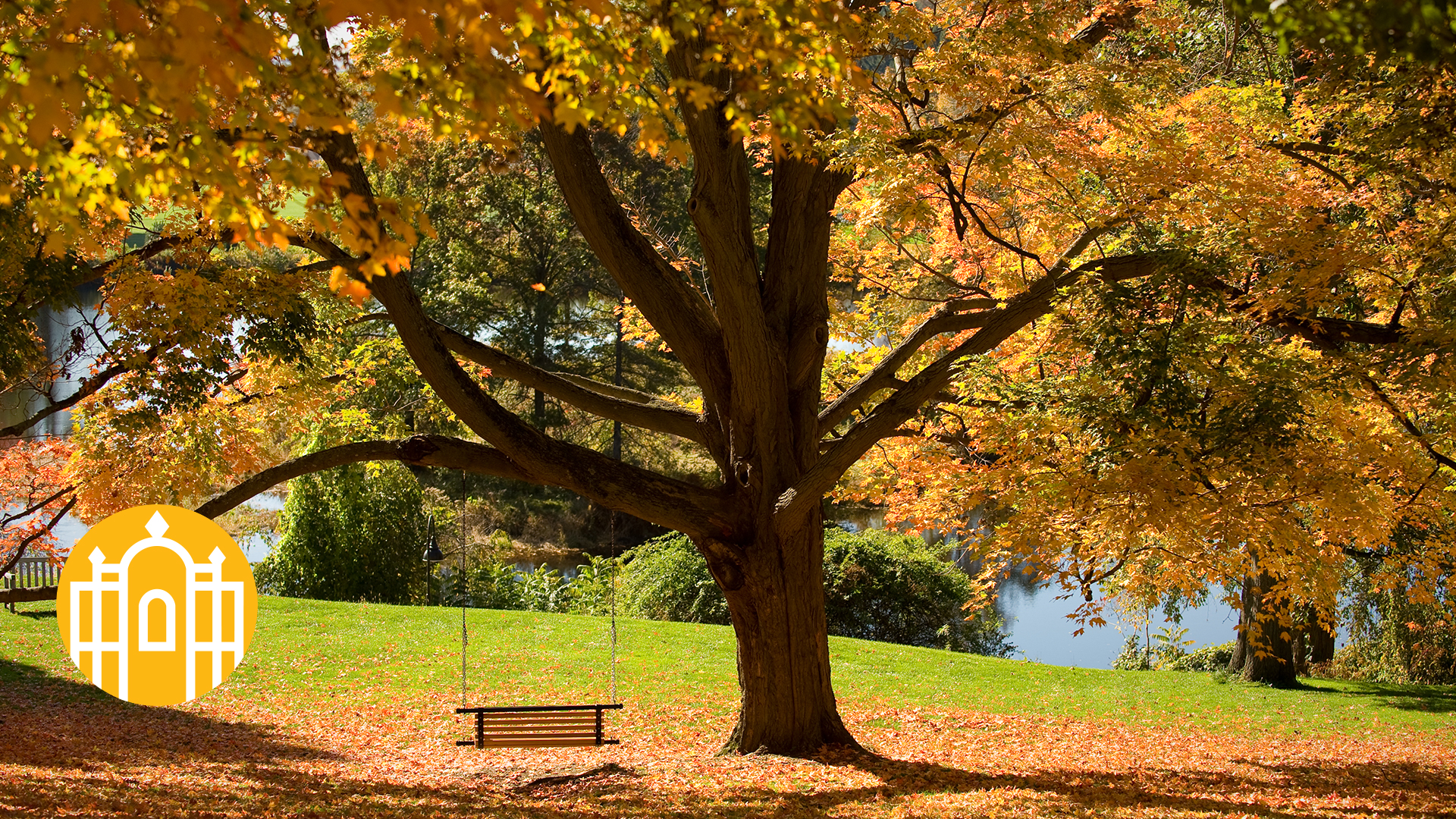
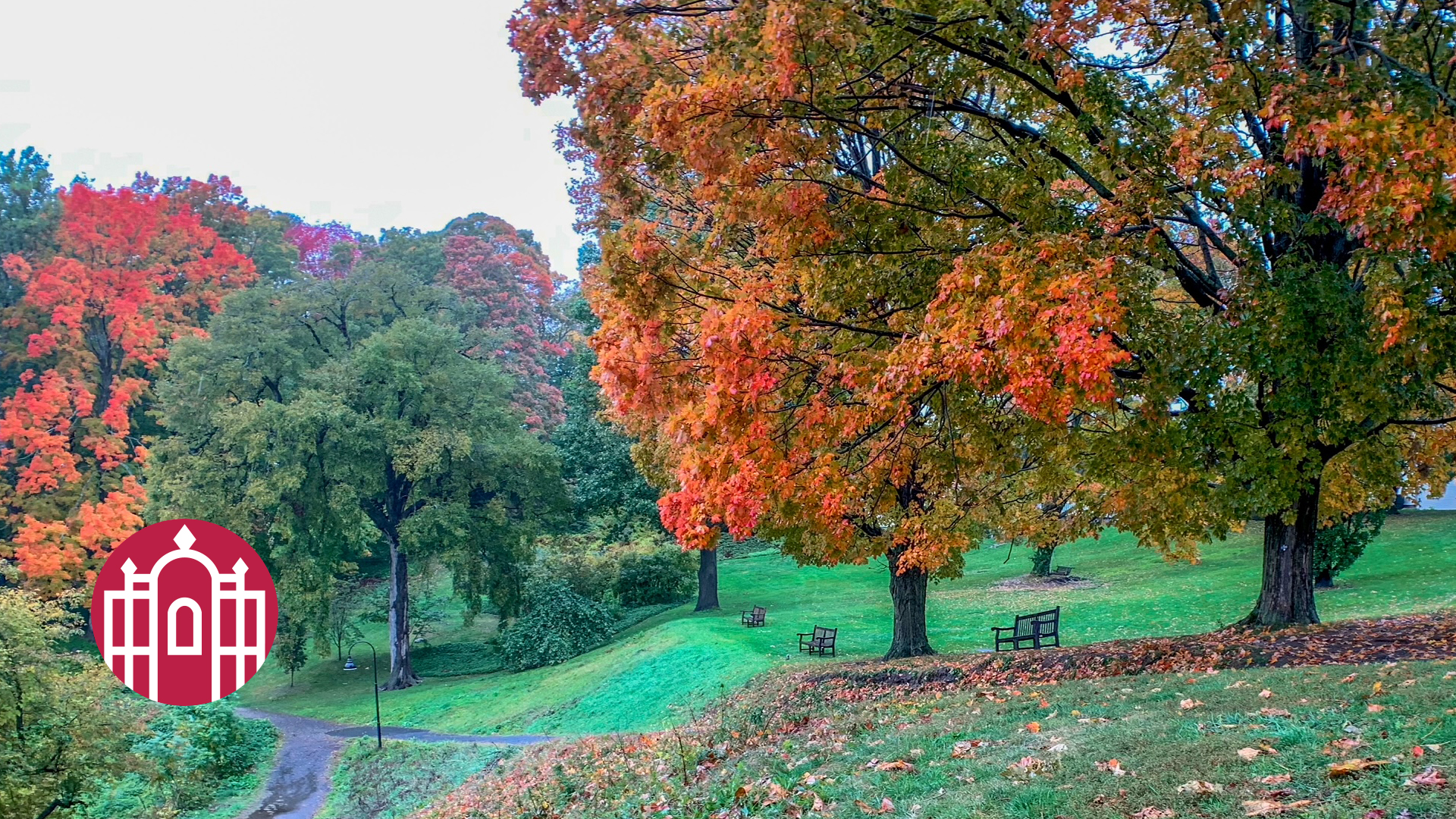
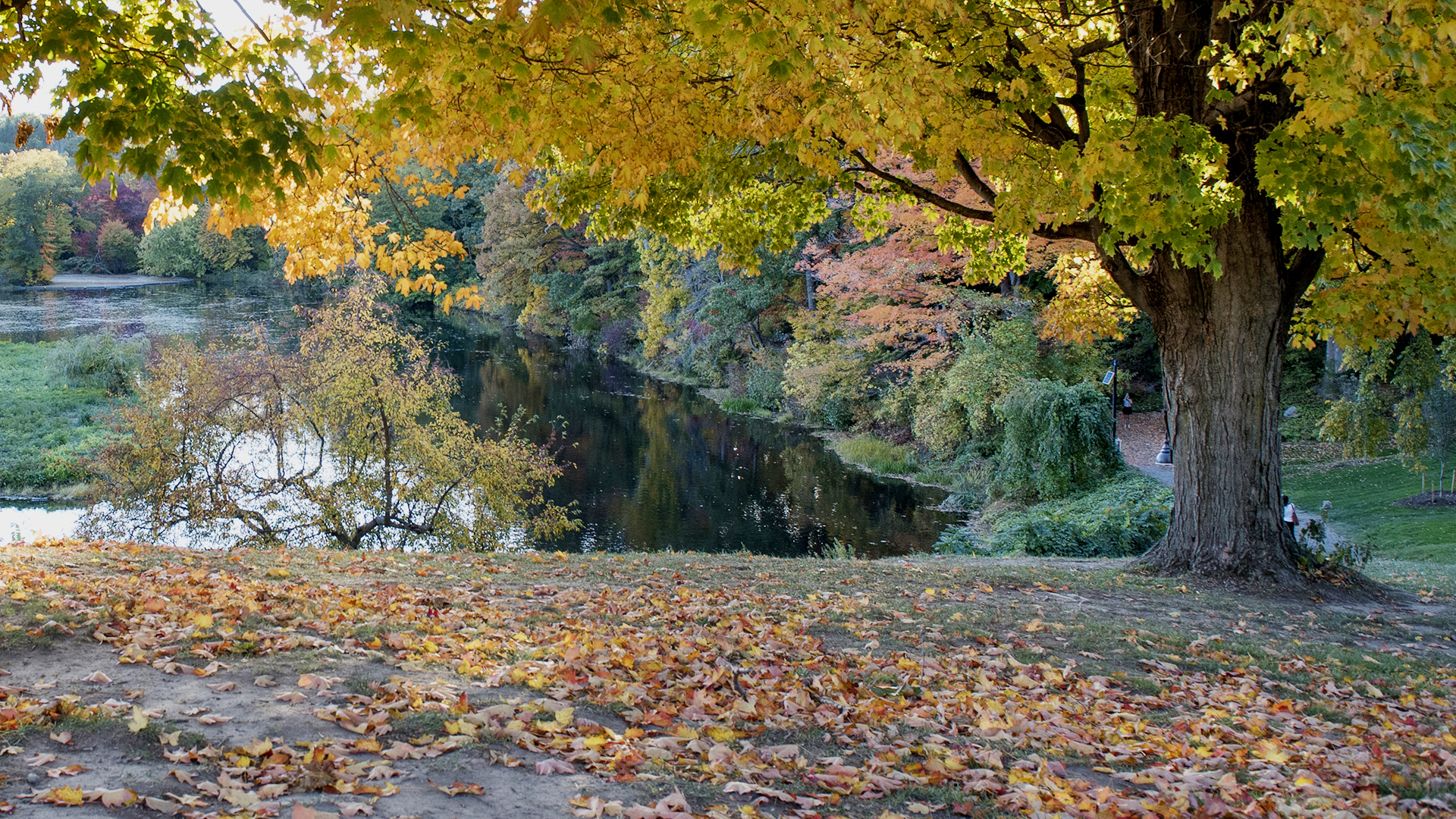
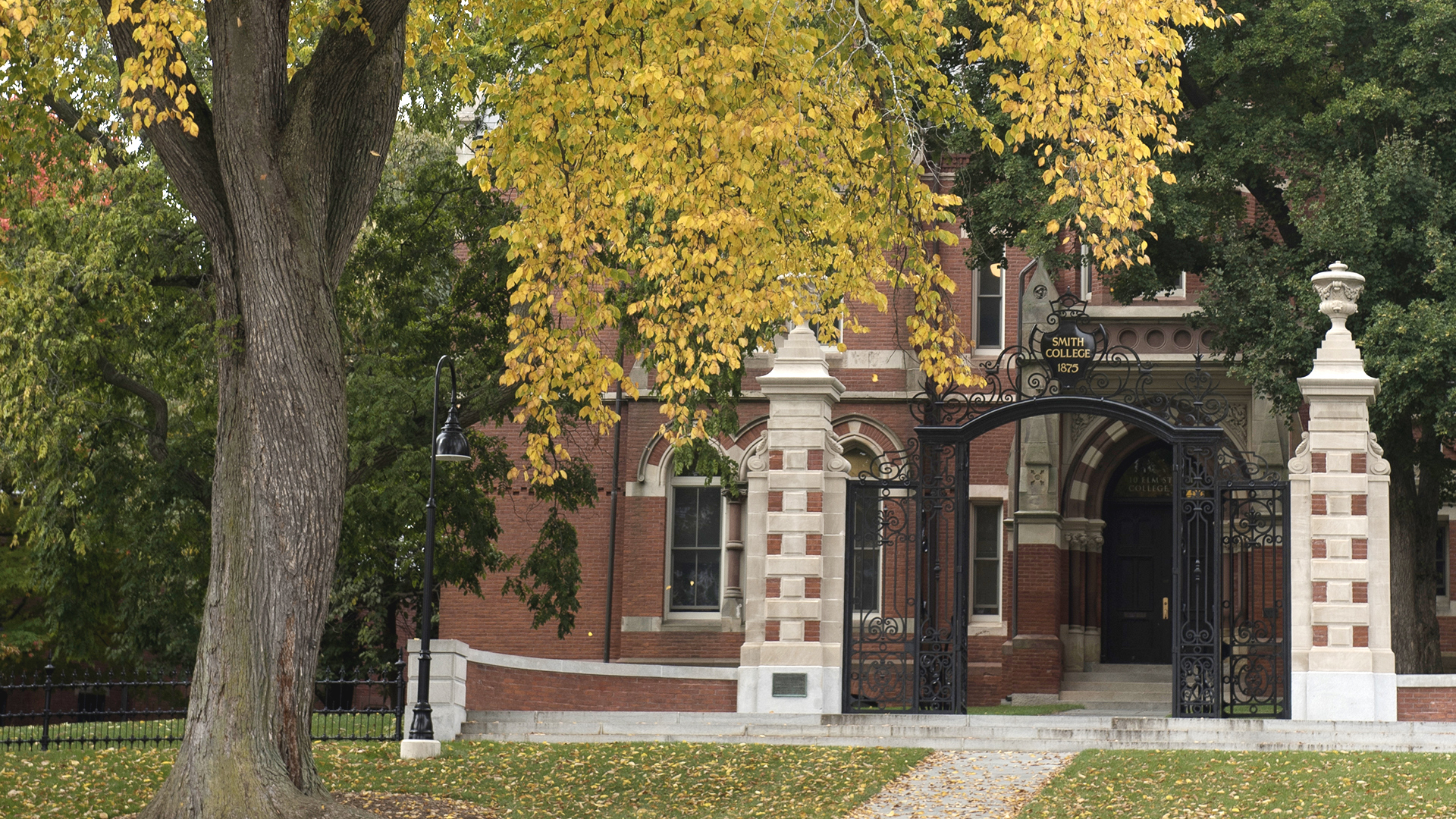
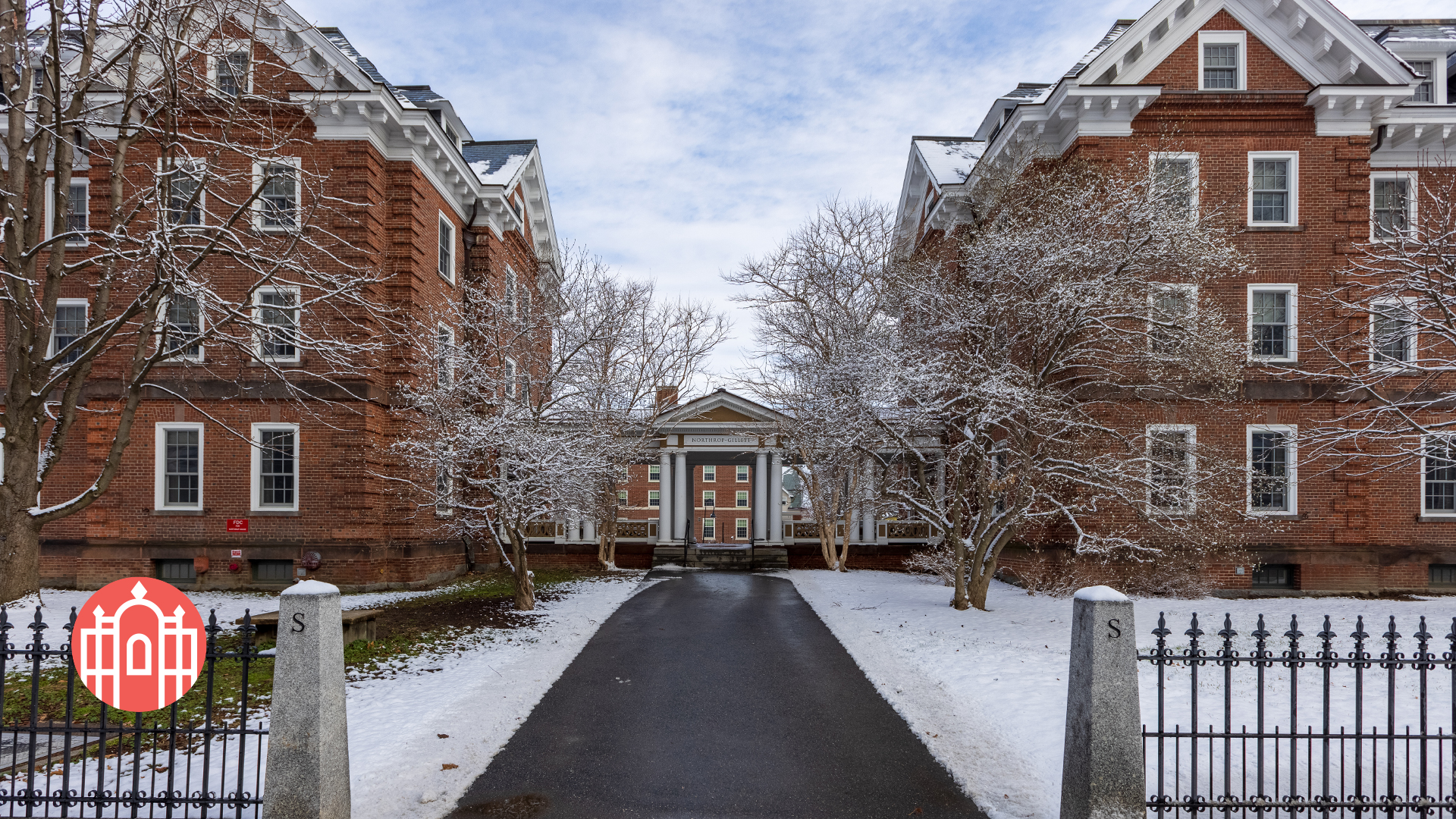
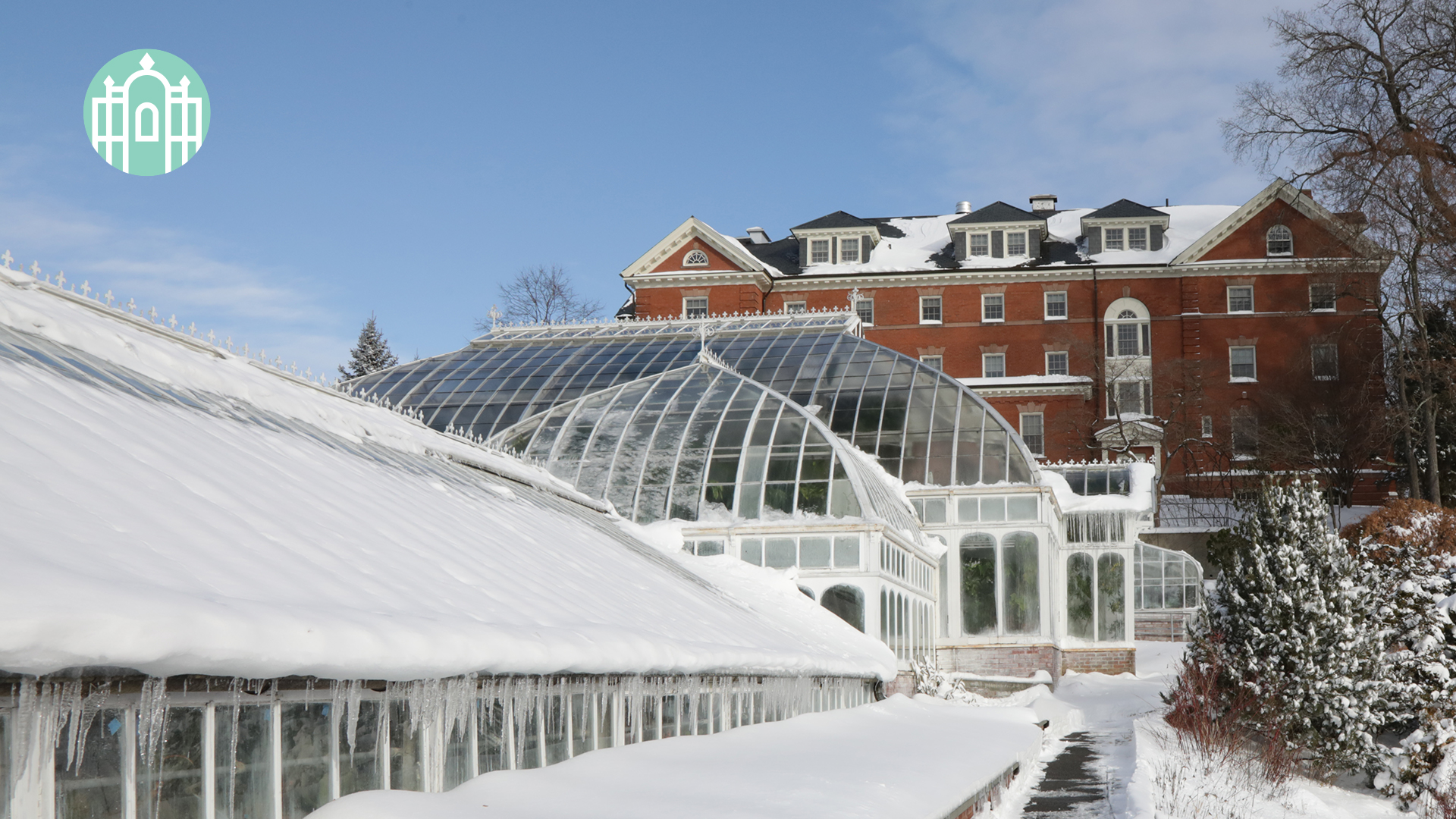
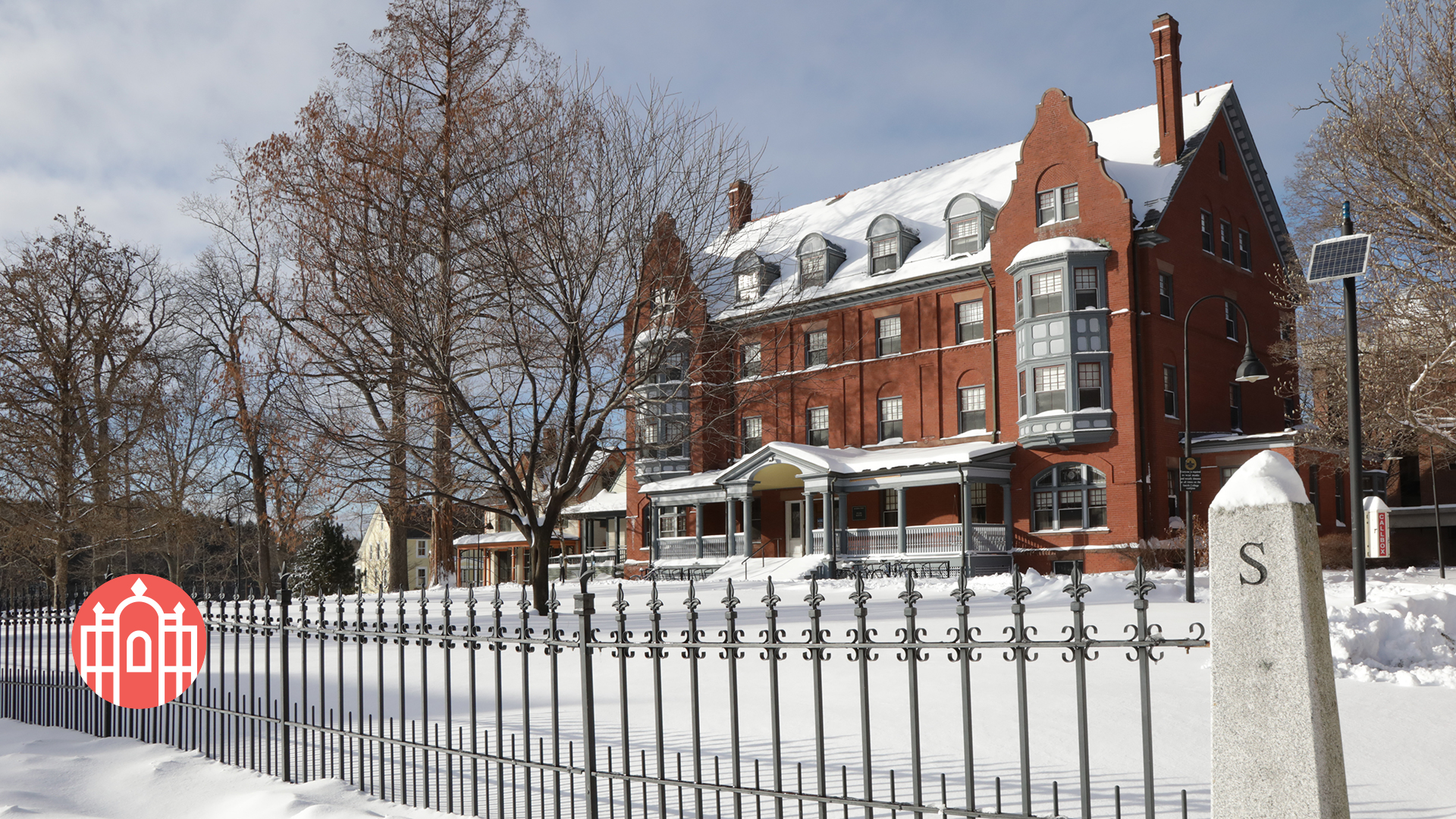
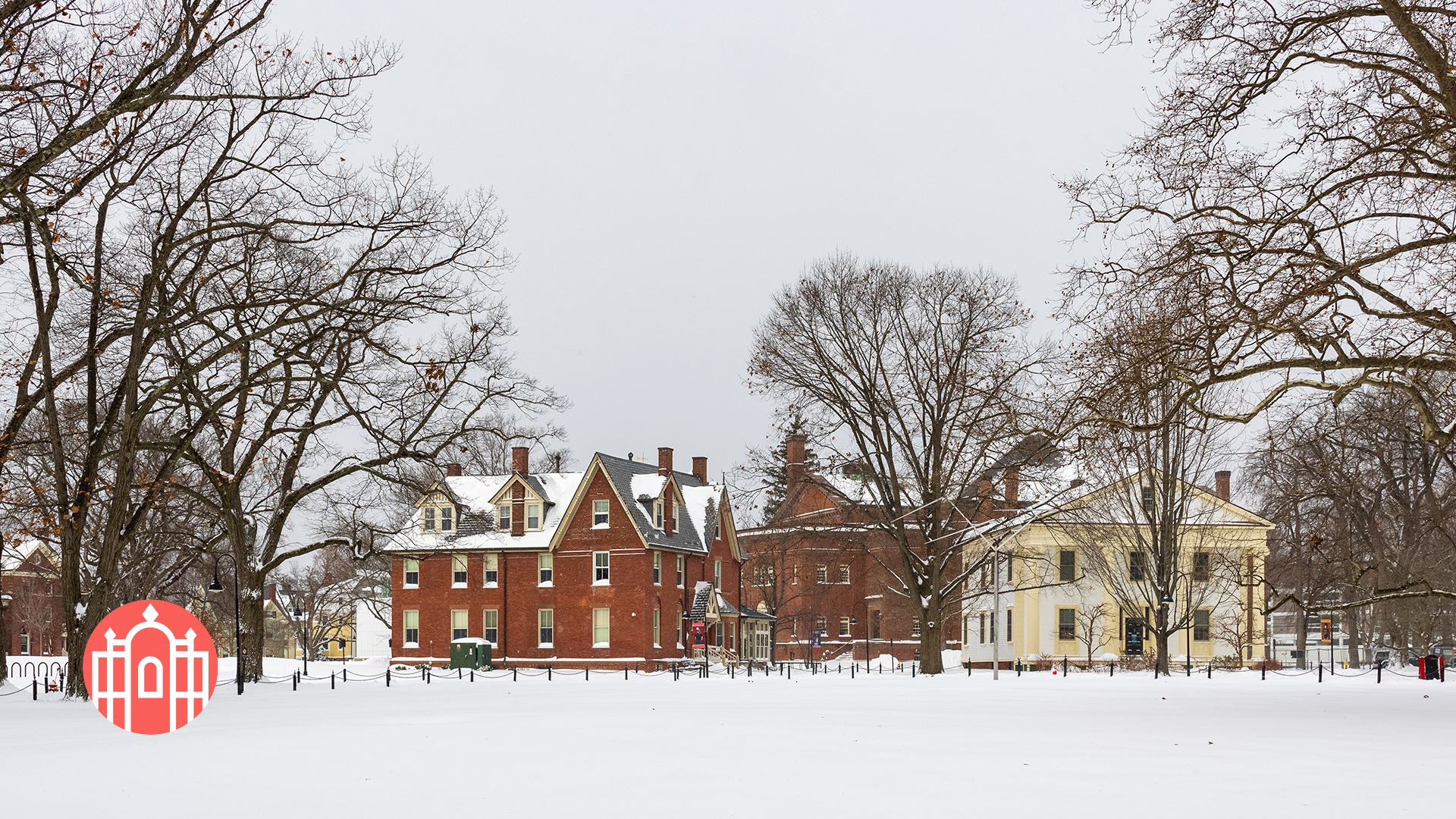
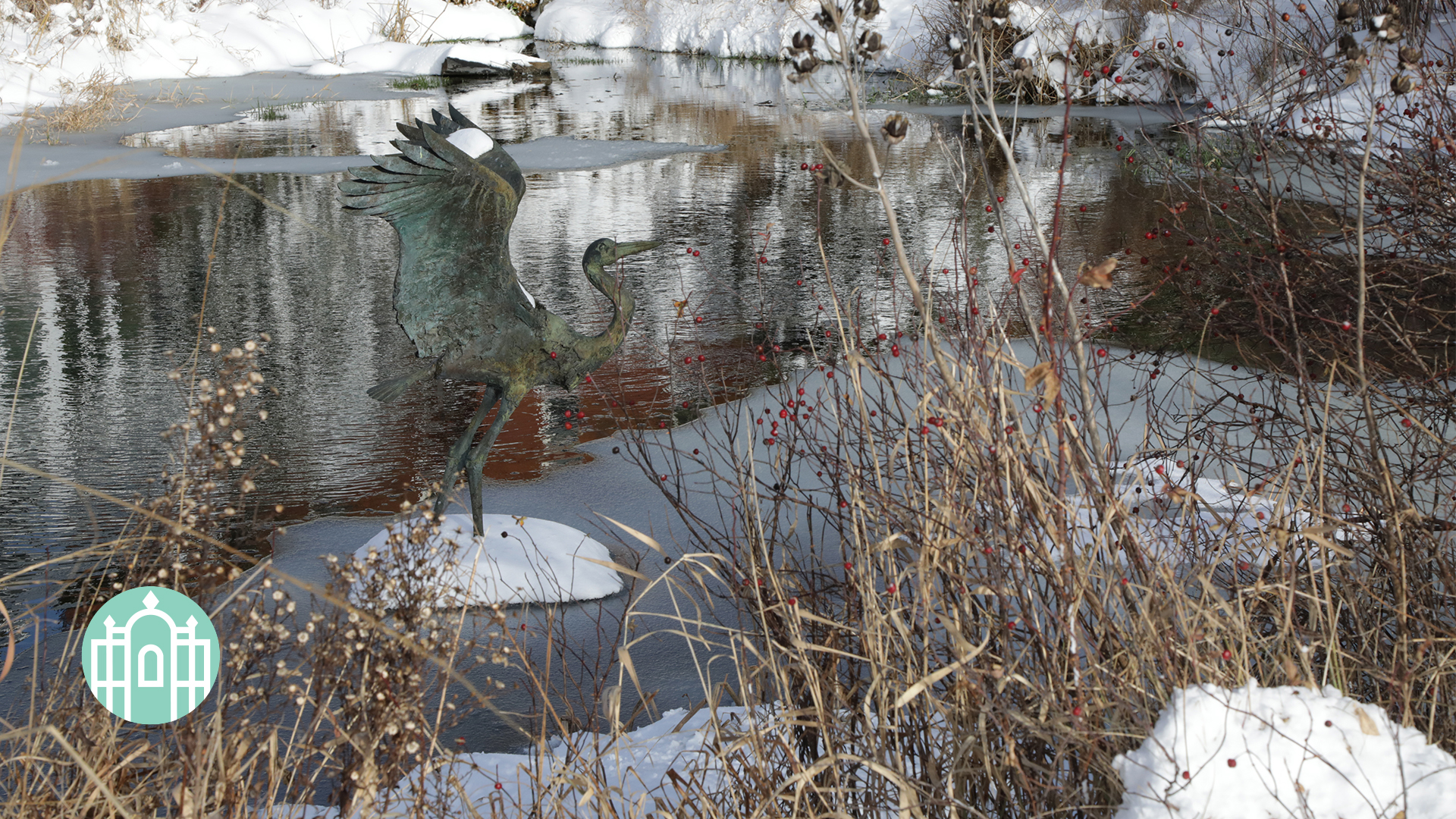
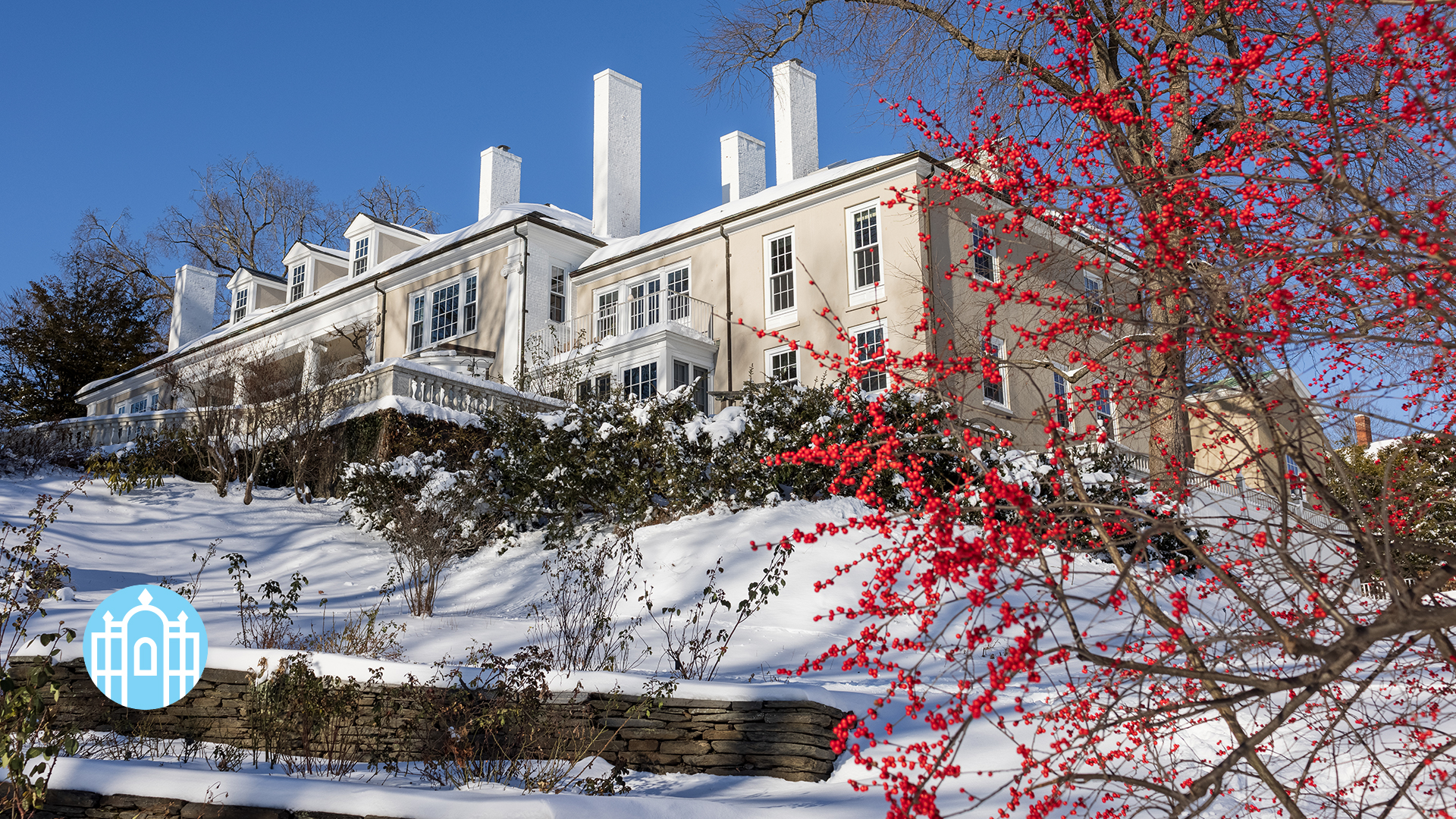
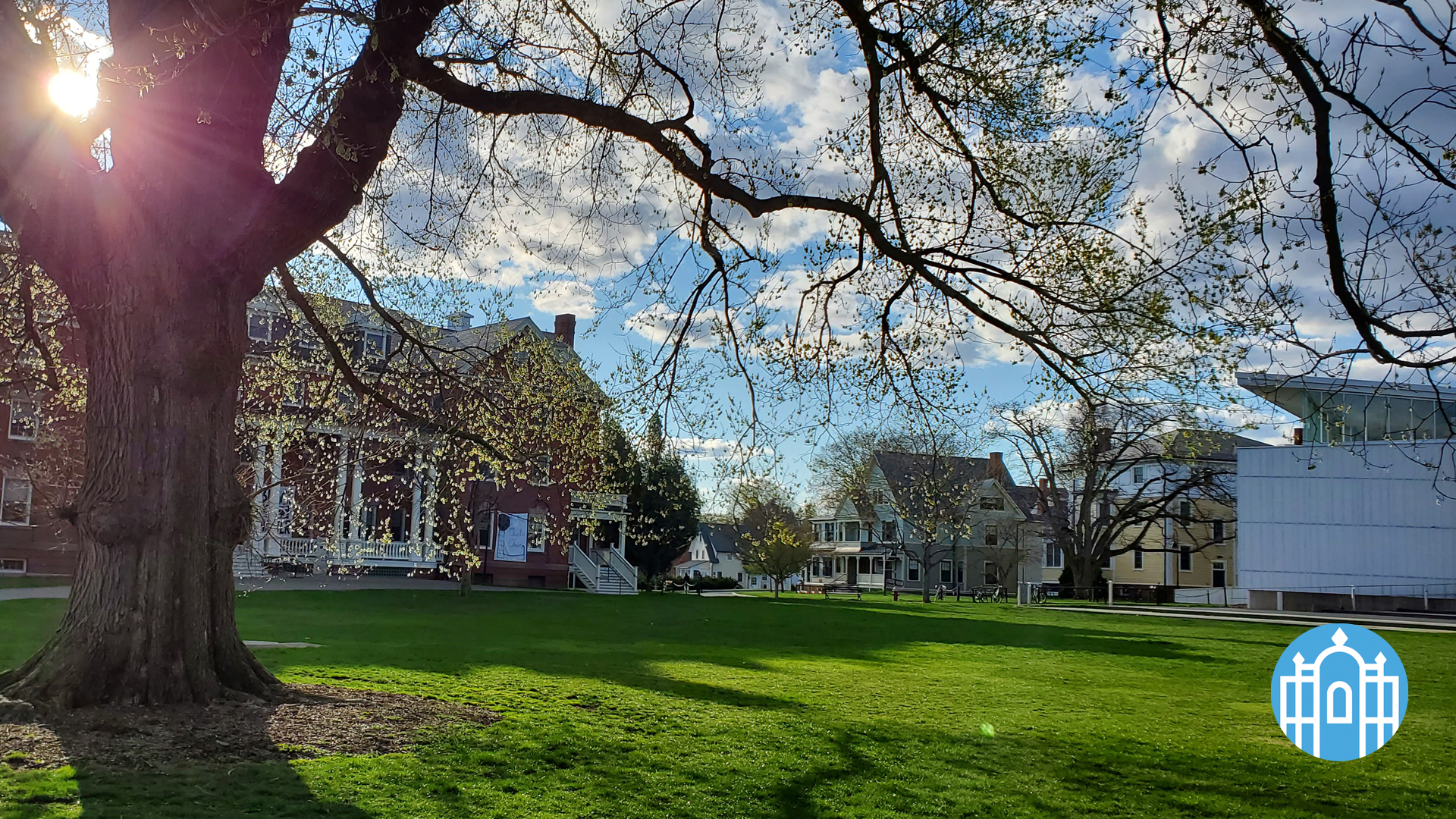
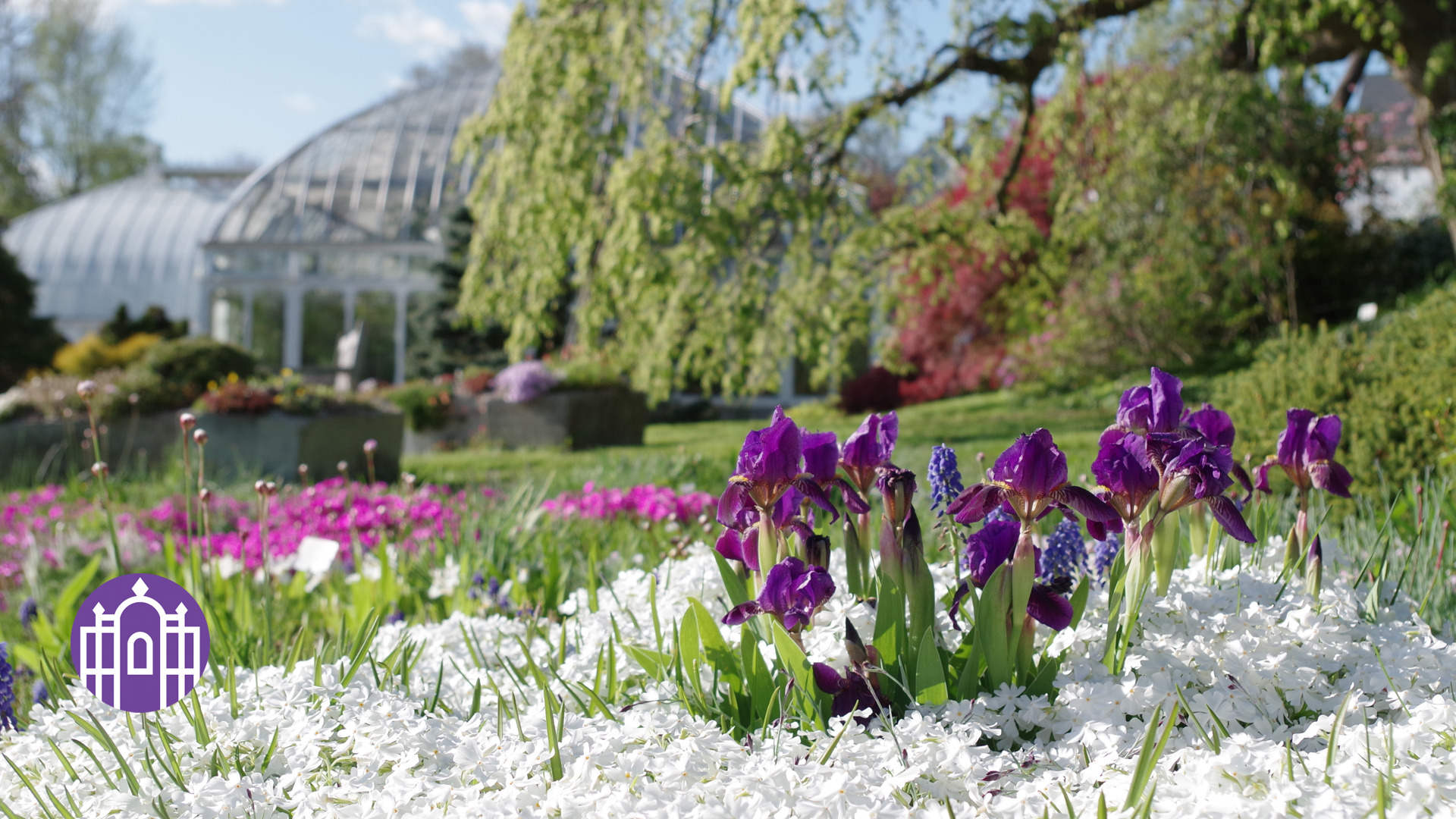
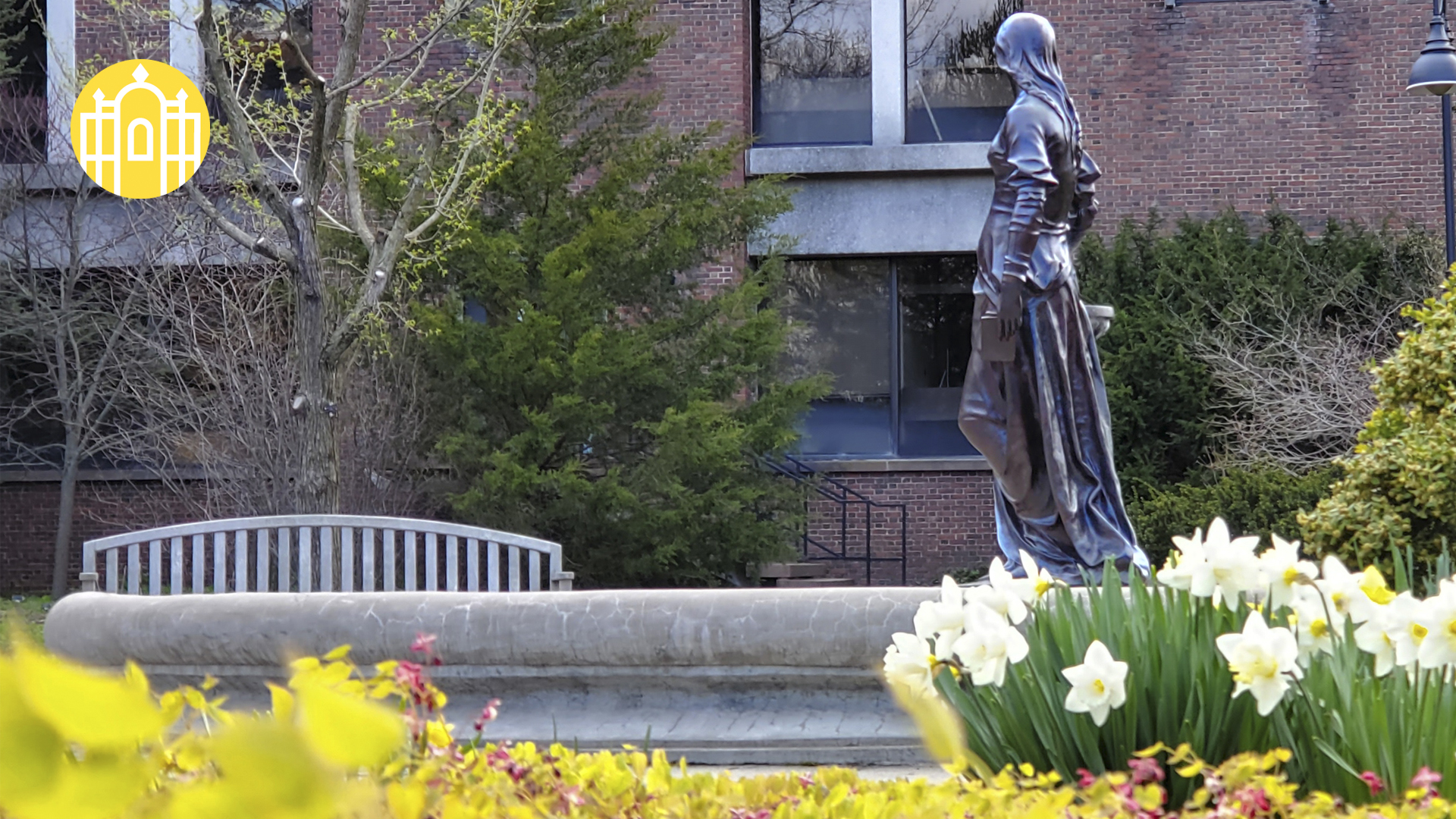
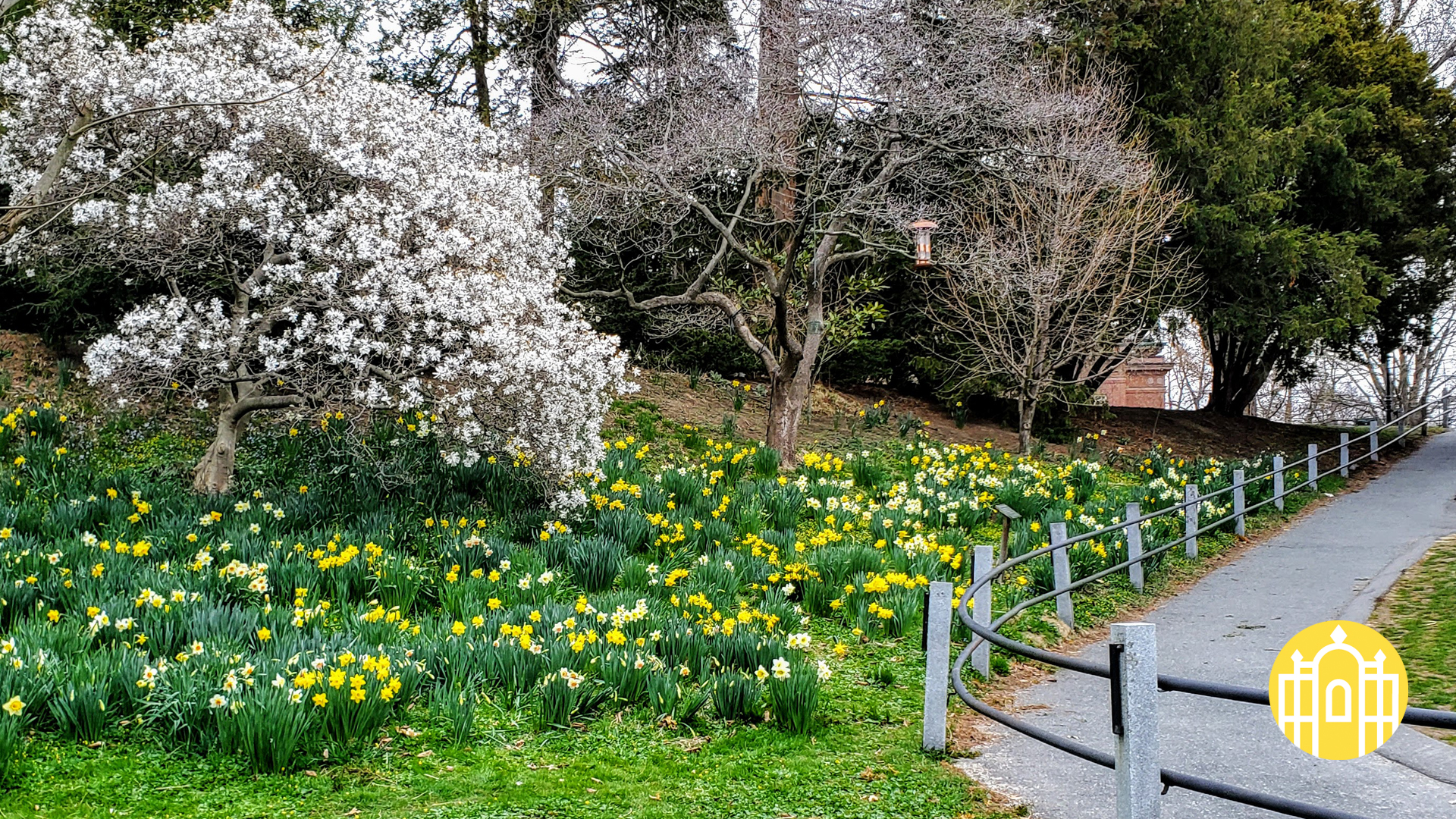
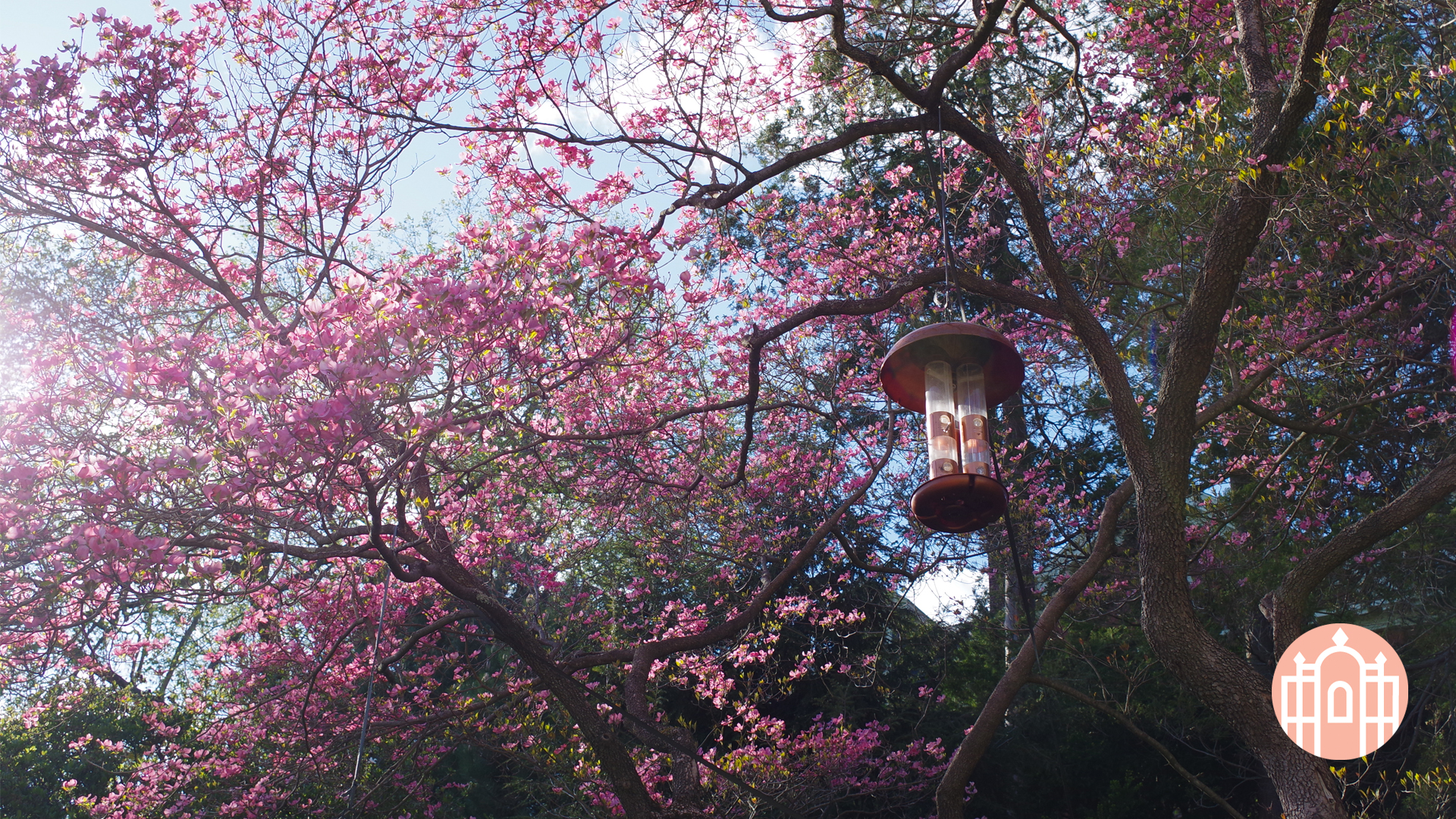
Click on a thumbnail to view a larger version. Click “download full-size image” to save the image to your computer.

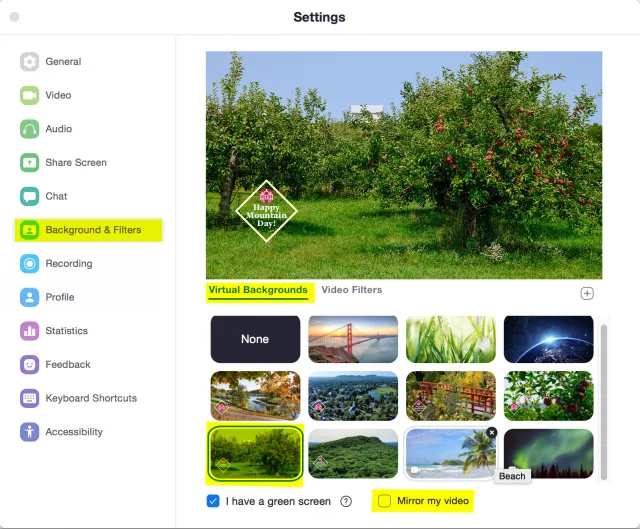
Please note: To ensure that the logo and text do not appear reversed, you must uncheck the “mirror my video” option in your Zoom settings.

On your Zoom home screen, click the gear icon in the top right-hand corner. A settings window will appear.
Click on “Virtual Background” in the left-hand column.

Click on the plus sign icon to the right of “Choose Virtual Background.”

Click “Add Image.”

Browse for the saved background image on your computer and click “Open.”

Verify that the “Mirror my video” option is unchecked.
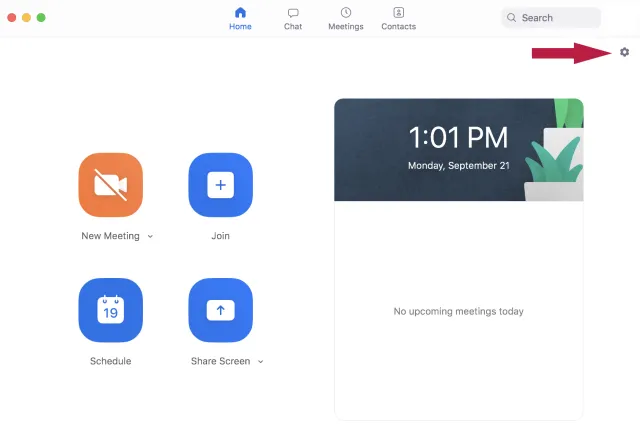
 

Screenshot of Zoom home screen
Screenshot of Zoom settings